
Discover Better
AI Video Skills.
Free, practical prompt skill packs and creator tools to help you make better videos with the AI tools you already use.
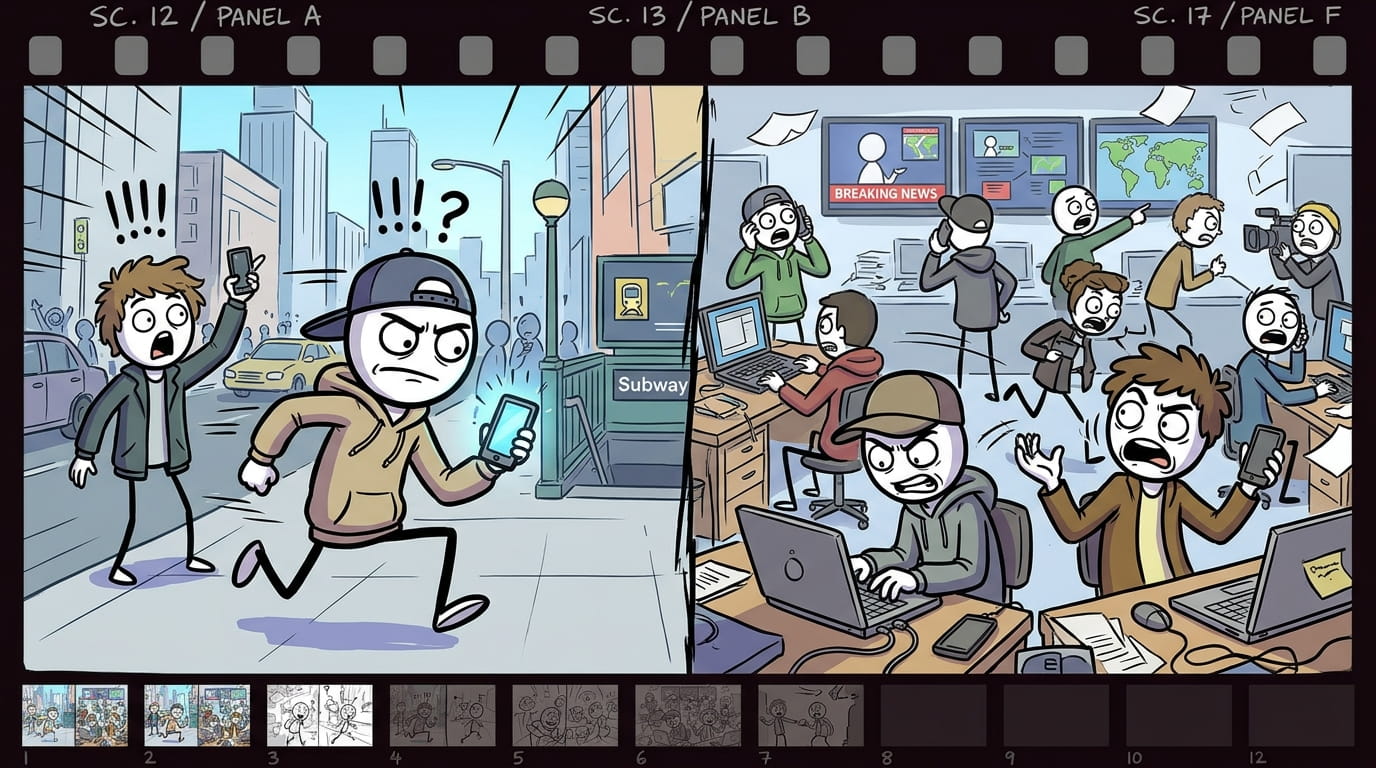
Modern Stickman Documentary Engine turns a topic, a pasted script, or a single custom scene into a full documentary-style video package. It writes a proven YouTube narration formula (cold open, anthology chapters, escalating stakes, named people, a dark-humor beat) in short 8-10 word lines, then converts every line into a matching cartoon stick-figure image prompt. Every prompt follows one locked visual template — same opening, same pacing, same closing structure — so the whole video stays visually consistent from scene 1 to the last scene, no matter how long the script runs. - Start the skill and answer the opening question: do you have a custom scene, your own script, or do you want one generated? - No script? Say “generate it” → give a topic, or ask for topic suggestions by category (turn on web search for fresh, current options) → pick one. - Choose length: a 1-2 min reel (short script, 200 words) or a 6-10 min long video (longer script, delivered in 2 parts — say “go”/”continue” to get part 2). - Have your own script? Just paste it. Either way, before any images are made you’ll be asked for the setting (modern city, corporate office, tech industry, stock market, social media world, rural village, war zone, etc.) — this stays locked for the whole video. - Image prompts are generated one per script line, labeled scene 1 (line text), scene 2 (line text)... Longer scripts are delivered in batches of 30 — say “continue” to get the next batch. > Tip: soldiers/police/guards automatically get combat helmets; everyone else gets a cap or normal hair — this happens on its own, no need to specify. Use the labeled prompts in your image generator of choice, one at a time or in order, to storyboard the full video. > Tip: use one image-generation tool and one consistent aspect ratio for every scene in a single video.
Popular Skills
Most downloaded and creator-loved skill packs.




Explore by Category
Find the right skill pack for your video style and niche.
Free Creator Tools
Simple and powerful tools for modern video creators.
AI Voiceover Generator
Convert your script to natural-sounding voiceovers in multiple languages.
Voice Cloning
Create a digital copy of your own voice for consistent and personal narration.
Video Utilities
Handy tools for common video tasks.
Natural AI voiceovers, ready for your next video.
Generate high-quality, multilingual voiceovers or clone your own voice for a consistent and personal touch.
Learn & Create
Practical guides, tutorials for creative workflows for AI video creation.

How to Create 3D Explainer Videos with AI
A step-by-step guide to plan, prompt and create 3D explainer videos using popular AI tools.

Character Consistency in AI Videos: Complete Guide
Keep your characters consistent across scenes, styles and videos with proven techniques.

How to Make Documentary-Style Videos with AI
Learn the visual style, prompts and production techniques for realistic documentary videos.
Frequently Asked Questions
Quick answers about VidRaft and how it works.
Find your next creative starting point.
Explore a growing library of free AI video skills and creator tools.