
Discover Better
AI Video Skills.
Free, practical prompt skill packs and production bibles designed to keep character faces, camera pacing, and scene lighting consistent across Midjourney, Runway, Kling, and Sora.
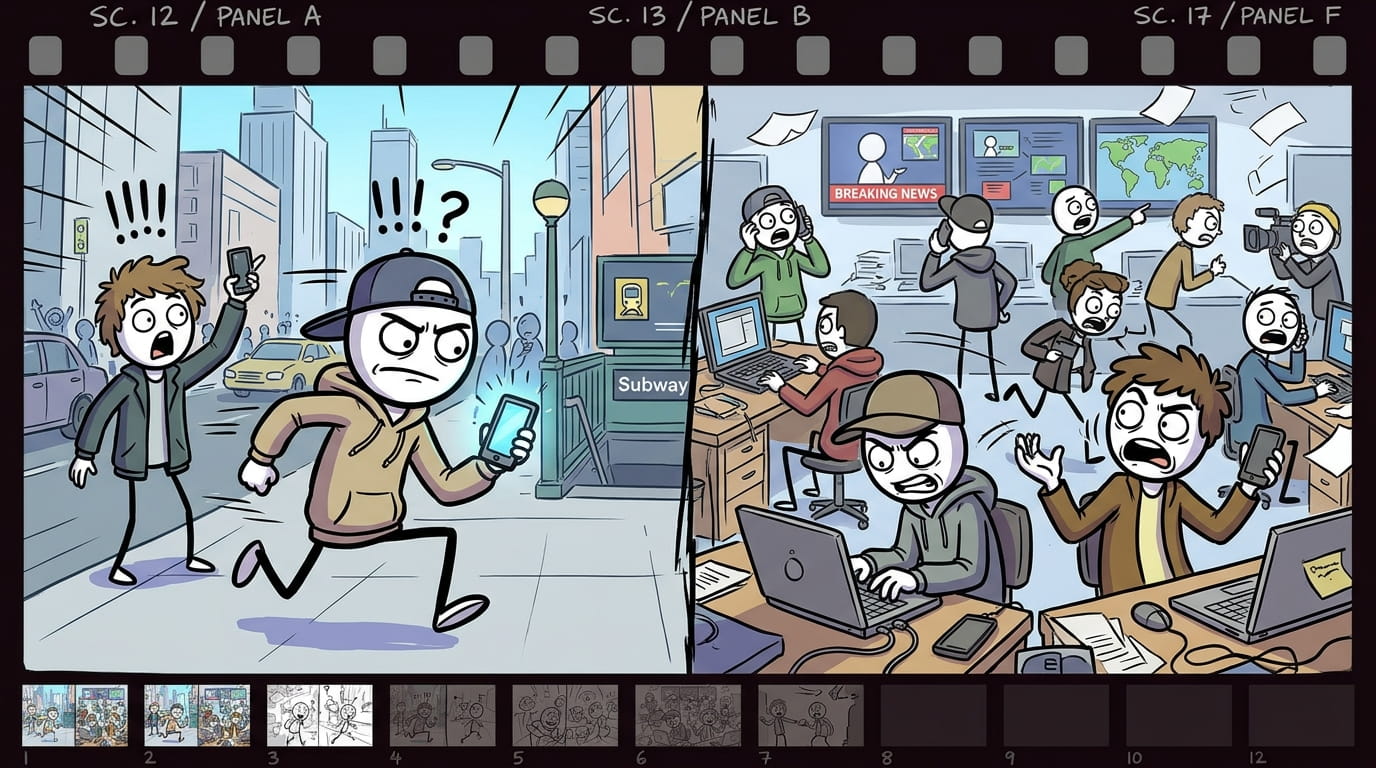
Modern Stickman Documentary Engine turns a topic, a pasted script, or a single custom scene into a full documentary-style video package. It writes a proven YouTube narration formula (cold open, anthology chapters, escalating stakes, named people, a dark-humor beat) in short 8-10 word lines, then converts every line into a matching cartoon stick-figure image prompt. Every prompt follows one locked visual template — same opening, same pacing, same closing structure — so the whole video stays visually consistent from scene 1 to the last scene, no matter how long the script runs. - Start the skill and answer the opening question: do you have a custom scene, your own script, or do you want one generated? - No script? Say “generate it” → give a topic, or ask for topic suggestions by category (turn on web search for fresh, current options) → pick one. - Choose length: a 1-2 min reel (short script, 200 words) or a 6-10 min long video (longer script, delivered in 2 parts — say “go”/”continue” to get part 2). - Have your own script? Just paste it. Either way, before any images are made you’ll be asked for the setting (modern city, corporate office, tech industry, stock market, social media world, rural village, war zone, etc.) — this stays locked for the whole video. - Image prompts are generated one per script line, labeled scene 1 (line text), scene 2 (line text)... Longer scripts are delivered in batches of 30 — say “continue” to get the next batch. > Tip: soldiers/police/guards automatically get combat helmets; everyone else gets a cap or normal hair — this happens on its own, no need to specify. Use the labeled prompts in your image generator of choice, one at a time or in order, to storyboard the full video. > Tip: use one image-generation tool and one consistent aspect ratio for every scene in a single video.
High-retention 3-second hook scripts and split-second scene pacing presets built specifically for 9:16 vertical video algorithms. Includes pattern interrupts, sound effect cue notations, and visual shock transitions. - 50+ battle-tested hook formulations across 6 niche categories - Timing telemetry with exact word-per-second pacing recommendations - Instant visual transition prompt tokens for Runway Gen-3 and Kling

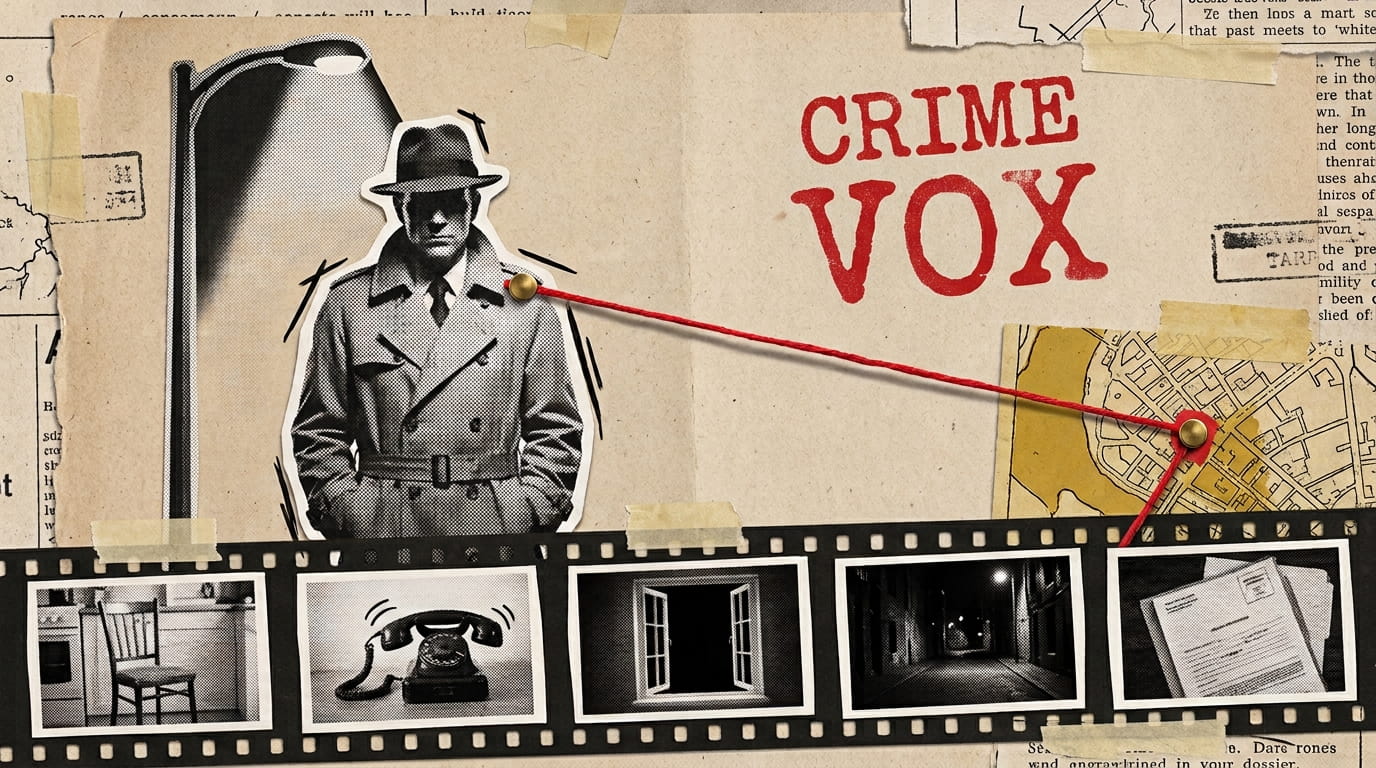
The complete production prompt framework for Vox-style editorial explainer videos. Contains standardized prompt tokens for halftone newsprint textures, 2.5D paper cutout collage, kinetic typography layouts, and isometric data graphs. Designed for direct insertion into VidRaft prompt master templates or standalone AI generation tools. - Art Style: Editorial mixed-media collage, halftone vintage newspaper clippings - Color Palette: Desaturated charcoal (161616), off-white parchment (f4efe6), tungsten accent (e8a838) - Motion Notes: Kinetic typography, smooth 2.5D parallax push-ins, rapid rhythmic scene cuts

Moody atmospheric story architecture optimized for viral shorts and longform crime essays with Kling & Runway camera motion presets. Features low-key chiaroscuro lighting tokens, silhouette compositions, and tension-building pacing. - Atmospheric noir lighting presets with high contrast shadow falloff - Crime scene B-roll storyboard prompts and slow push-in camera tags - Audio cue markers for ominous string swells and ambient heartbeats

Standardized character tokenization rules for maintaining persistent actor face geometry, hairstyle, wardrobe styling, and lighting tone across 10+ scene storyboards. Includes prompt variables compatible with Midjourney v6.1, Kling 1.5, Runway Gen-3 Alpha, and OpenAI Sora. - Persistent character seeds & facial anchor token specifications - Multi-character interaction blocking rules & angle continuity ratios - 35mm anamorphic camera motion prompts for cinematic scene pacing

High-octane prompt rules for choreographing 2D stickman fight scenes, dynamic speed line backgrounds, anime-style impact frames, and kinetic camera tracking. Provides specific weight and timing tokens to prevent AI video generators from producing sluggish motion. - Impact frame generation rules with high-contrast inverted frames - Kinetic camera pan and tilt velocity descriptors - Choreography sequence templates for martial arts & weapon clashes

Vintage 16mm and 35mm film emulation prompts tailored for historical, biographical, and true-crime documentary storytelling. Incorporates subtle gate weave, natural grain distributions, warm Kodachrome grading, and vintage lens aberration descriptors. - 16mm archival film grain, gate weave, slight chromatic aberration - 1970s Kodachrome warm amber color grading - Vintage lens flare and organic anamorphic softness
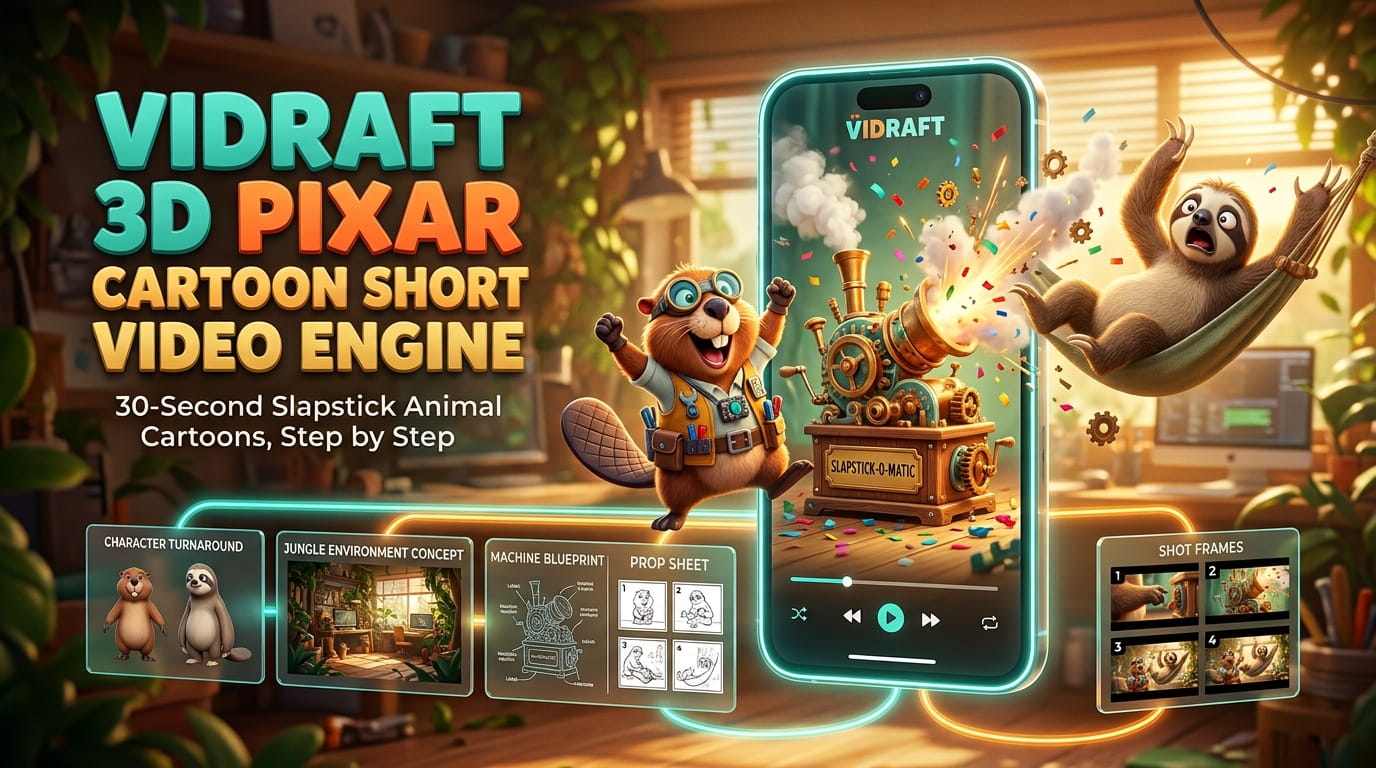
Vidraft 3D Pixar Cartoon Short Video Engine guides you step by step through creating a complete 30-second slapstick animal cartoon. 👉🏻 Pick two animal characters and the engine generates their model sheets, funny story ideas, a shot-by-shot script, environment and prop sheets, image-to-video prompts with dialogue, and a ready-to-post caption with meta details and hashtags. 👉🏻 Just type "next" to move through each stage. It works with tools like Nano Banana, Midjourney, Luma, Kling, Runway and Omni Flash, and is ideal for YouTube Shorts, Instagram Reels and TikTok.
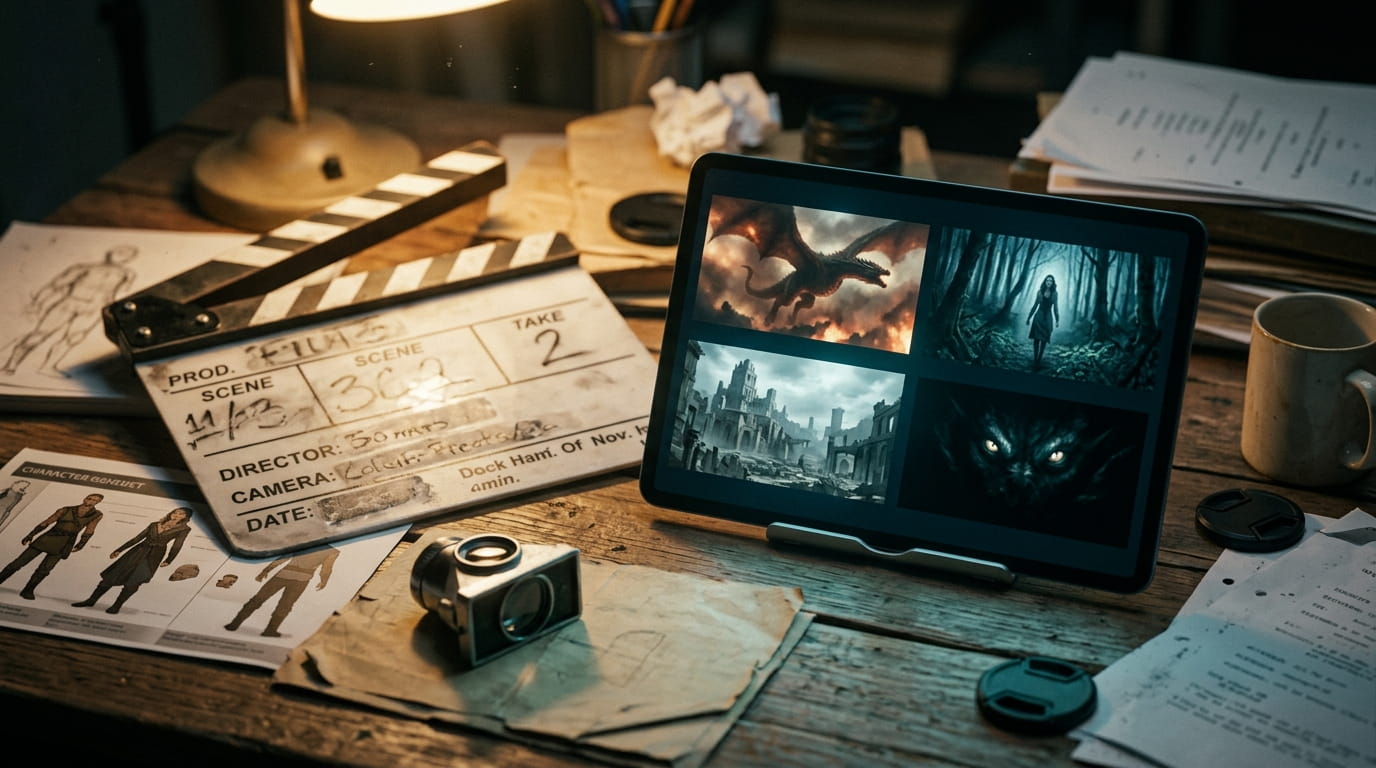
Vidraft AI Cinematic Movie Engine is a complete, 8-stage AI-movie production pipeline built as a single Claude skill (or portable prompt file). Instead of juggling separate prompts for story writing, storyboarding, character design, and image/video generation, this one skill walks you through the entire creative pipeline — from a blank idea to a fully production-ready package — while keeping every character, creature, location, and visual detail consistent from the first scene to the last. It’s built for creators making cinematic AI movies for YouTube: fantasy, sci-fi, monster/creature, survival, horror, supernatural, post-apocalyptic, and ancient-civilization stories. What it can generate: ✅ 10 Viral Video Ideas — clickable, movie-style topic concepts tailored to your channel niche. ✅ A Complete Cinematic Story — a 5-act, emotionally driven movie script with a scroll-stopping opening, built from your rough idea or from scratch. ✅ A Full Scene Breakdown — a production blueprint: scene-by-scene camera, lighting, dialogue and sound notes, character/location/creature continuity sheets, emotional pacing, suspense tracking, and 8-second-clip estimates. ✅ Photorealistic Character & Creature Reference Prompts — fixed visual identities with master image prompts, face references, and “consistency locks” so every character looks the same in every scene. ✅ Scene-by-Scene Image Prompts — delivered in 4 parts, copy-paste ready for any AI image generator, matching your cast and story exactly. ✅ Image-to-Video Prompts — motion, camera movement, and full audio/sound-design direction for every ~8-second clip, also delivered in 4 parts. ✅ A High-CTR Thumbnail Prompt — one clickable, cinematic thumbnail concept built around your story’s biggest unanswered question. ✅ A Full YouTube SEO Package — 5 title options, a description, and tags.
1. Start the skill and answer the three opening questions: "Do you have any custom scene?", "Do you have your own script?", "Do you want me to generate a script for you?" 2. If you want a script: say "generate a script for me", give the topic, choose Reel (1-2 min) or Long video (6-10 min), then pick the language for the script. - Reel: one 200-word script. - Long video: two parts of 800 words each. Reply "go" to get part 2. 3. If you have your own script: say yes, paste it, then say "yes" when asked "Should I start generating image prompts?" 4. If you have a custom scene: say yes, then describe the scene (for example, "a woman outside at night"). 5. When the script is ready, say "yes" to "should I now create scene-by-scene image prompts for you?" 6. Image prompts come as "scene 1 (script line)", "scene 2 (script line)" and so on. A new scene starts after every full stop, and after a comma only when it follows 5 or more words. Scripts with more than 30 scenes arrive in batches of 30. Reply "yes" or "go" to get the next batch. 7. When the images are done, say "yes" to the animation prompts. They come in the same scene labels and the same 30-scene batches. 8. Generate each image from its prompt, then paste the matching animation prompt with that image into your animation tool. Put the clips in scene order in your editor. Tips: - Use one image tool and one aspect ratio (16:9) for the whole set. - Image and animation prompts are always in English. Only the script and voice over use your chosen language. - To change one scene, reply with its scene number and what you want changed. - If the chatbot forgets a rule in a long chat, send: "Follow the workflow in the file."
Can't find what you need?
Explore our guides, tools and voiceover features to level up your video creation.
Browse Guides
Step-by-step tutorials on character consistency bibles, multi-shot pacing, and prompt engineering.
Use Voiceover
Generate high-quality multilingual narration or clone your own voice with studio 44.1 kHz WAV exports.
Explore Free Tools
Handy client-side video utilities: Bitrate Calculator, Silent Video Checker, and Frame Extractor.