
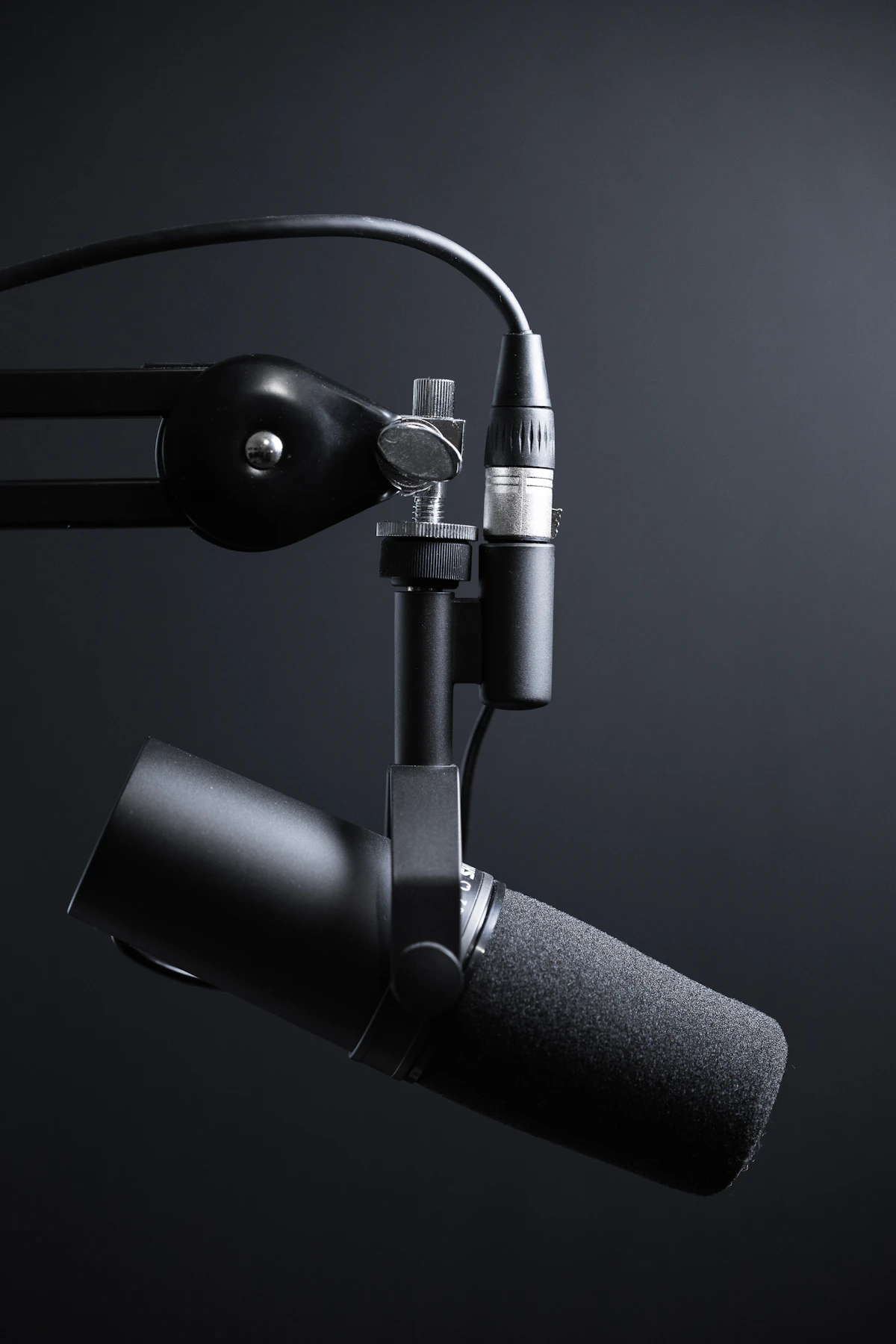
What Is Vidraft AI Voiceover?
Vidraft AI Voiceover is an online text to speech and voice cloning tool built for creators, marketers, educators, and businesses. Turn any script into natural, human-sounding narration in seconds. Powered by advanced neural voices, our speech engine generates studio-quality audio with lifelike pacing, tone, and emotional resonance.
Need your own voice or a signature brand persona? Record directly with your microphone using our curated phonetically-balanced reading passage or upload a short audio clip. The instant voice cloning feature builds a private digital voice model you can reuse across every project, ensuring your content maintains a unified vocal identity without booking studio time.
Key Features of the Vidraft AI Voice Generator
Realistic AI Voices That Sound Human
Our neural voices capture natural vocal rhythms, subtle breath pauses, and authentic pitch contours so your voiceovers never sound synthetic or robotic. Choose from male, female, and expressive narrator styles.
Free AI Voice Cloning
Clone any voice from a short 1 to 3 minute sample or direct microphone recording. Perfect for creators who want to narrate unlimited videos with their own voice without ever setting up a microphone again.
Multilingual Text to Speech
Reach a global audience with localized narration. Generate lifelike voiceovers across English, Spanish, French, German, Japanese, Chinese, Hindi, Urdu, Arabic, and more from a single dashboard.
Fast & Free to Start (Turbo Free Engine)
Generate speech in seconds with zero credit cost. Export broadcast-standard 44.1 kHz WAV files directly compatible with CapCut, Premiere Pro, DaVinci Resolve, and Final Cut Pro.
How to Create an AI Voiceover in 4 Easy Steps
Write or Paste Your Script
Paste your video script, podcast intro, or dialogue into the editor. For scripts longer than 1,000 characters, enable Long Voice mode to auto-chunk your text.
Choose a Language & Voice
Select from our curated public Turbo Free speaker catalog or select your own private cloned voice model.
Customize the Delivery
Specify your target language or allow the AI engine to auto-detect linguistic nuances and dialect intonations naturally.
Generate & Download WAV
Listen to your audio in the built-in waveform player, then download the lossless WAV file (or bulk download a ZIP archive in Long Voice mode).
How to Clone Your Voice with AI (Free)
Record directly or upload a clear sample
Use our built-in 401-word reference passage (The Voyager Odyssey) to record cleanly from your microphone, or upload a 1 to 3 minute audio file (.wav, .mp3, .m4a).
Confirm you own the voice
Voice cloning is strictly reserved for authenticated accounts cloning their own voice or voices they have legal permission to use.
Let the AI build your neural voice model
The neural network analyzes vocal harmonics, frequency distribution, timbre, and cadence in seconds.
Type any script and generate
Your private voice clone is saved directly to your account. Select it anytime to narrate scripts with zero re-recording.
- Record in a quiet room with minimal reverb, echo, or background chatter.
- Speak at a steady, natural conversational pace (around 130 to 150 words per minute).
- Keep a consistent distance (~6 inches) from your microphone with a pop filter.
- Only the first 3 minutes are analyzed—1 to 3 minutes provides optimal phoneme coverage.
Who Is the AI Voiceover Tool For?
YouTubers & Faceless Channels
Build documentary, history, commentary, and explainer channels without being on mic. Maintain a consistent narrator voice across hundreds of episodes.
Short-Form Creators
Add punchy, dynamic voiceovers to TikToks, Instagram Reels, and YouTube Shorts. Test diverse vocal styles and hooks in minutes.
Podcasters & Audiobooks
Turn articles, blog posts, and written manuscripts into clear, engaging spoken-word audio, intros, sponsorship reads, and full audiobooks.
Businesses & Marketers
Produce corporate product demos, explainer videos, ads, social campaigns, and IVR telephone systems at a fraction of voice actor fees.
Teachers & E-Learning
Transform curriculum slides, lecture notes, and training modules into clear, articulate instructional audio in multiple languages.
Developers & Agencies
Rapidly prototype voice interfaces, interactive applications, client mockups, and dynamic media pipelines without recording overhead.
Why Choose Vidraft AI Over Traditional Voice Recording?
| FACTOR | VIDRAFT AI VOICEOVER | TRADITIONAL RECORDING |
|---|---|---|
| Cost | Free to start (0 Credits) | $100–$500+ studio / actor fees |
| Speed | Generated in seconds | Days of scheduling & editing |
| Languages | Multilingual from one script | Usually limited to single speaker language |
| Revisions | Edit text & regenerate instantly | Requires booking another studio session |
| Consistency | Exact vocal tone every time | Changes with mood, room, and equipment |
| Equipment | Zero hardware (Browser-based) | XLR mic, interface, soundproof booth |
Supported Languages and Accents
Vidraft AI supports natural text-to-speech across multiple global languages and accents. Choose your language code or use our automatic language detector:
Use Cases for AI Voiceovers
Responsible Voice Cloning & Vocal Ethics
At Vidraft AI, we believe voice cloning must always be used responsibly and ethically. You may only clone your own voice or a voice you have explicit legal permission to synthesize. Every voice clone created on Vidraft is strictly private to your registered account—other visitors cannot view, access, or synthesize audio with your cloned voice. We strictly prohibit impersonation, deceptive media, or fraudulent activities.
Frequently Asked Questions
Looking for more video & audio tools?
Check out our Audio Waveform Video Generator, Silent Video Checker, Freeze Frame Maker, and Bitrate Calculator.