
Discover Better
AI Video Skills.
Free, practical prompt skill packs and production bibles designed to keep character faces, camera pacing, and scene lighting consistent across Midjourney, Runway, Kling, and Sora.
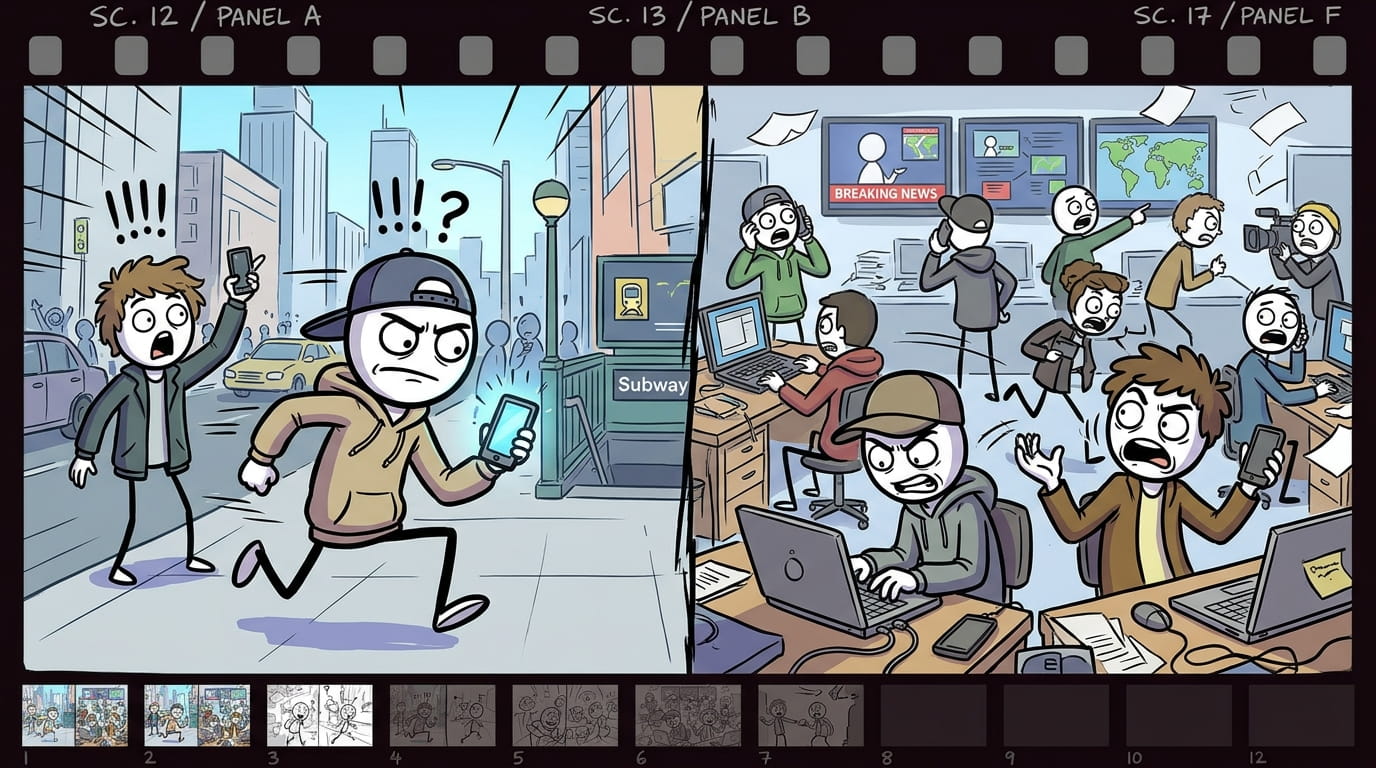
Modern Stickman Documentary Engine turns a topic, a pasted script, or a single custom scene into a full documentary-style video package. It writes a proven YouTube narration formula (cold open, anthology chapters, escalating stakes, named people, a dark-humor beat) in short 8-10 word lines, then converts every line into a matching cartoon stick-figure image prompt. Every prompt follows one locked visual template — same opening, same pacing, same closing structure — so the whole video stays visually consistent from scene 1 to the last scene, no matter how long the script runs. - Start the skill and answer the opening question: do you have a custom scene, your own script, or do you want one generated? - No script? Say “generate it” → give a topic, or ask for topic suggestions by category (turn on web search for fresh, current options) → pick one. - Choose length: a 1-2 min reel (short script, 200 words) or a 6-10 min long video (longer script, delivered in 2 parts — say “go”/”continue” to get part 2). - Have your own script? Just paste it. Either way, before any images are made you’ll be asked for the setting (modern city, corporate office, tech industry, stock market, social media world, rural village, war zone, etc.) — this stays locked for the whole video. - Image prompts are generated one per script line, labeled scene 1 (line text), scene 2 (line text)... Longer scripts are delivered in batches of 30 — say “continue” to get the next batch. > Tip: soldiers/police/guards automatically get combat helmets; everyone else gets a cap or normal hair — this happens on its own, no need to specify. Use the labeled prompts in your image generator of choice, one at a time or in order, to storyboard the full video. > Tip: use one image-generation tool and one consistent aspect ratio for every scene in a single video.

High-octane prompt rules for choreographing 2D stickman fight scenes, dynamic speed line backgrounds, anime-style impact frames, and kinetic camera tracking. Provides specific weight and timing tokens to prevent AI video generators from producing sluggish motion. - Impact frame generation rules with high-contrast inverted frames - Kinetic camera pan and tilt velocity descriptors - Choreography sequence templates for martial arts & weapon clashes
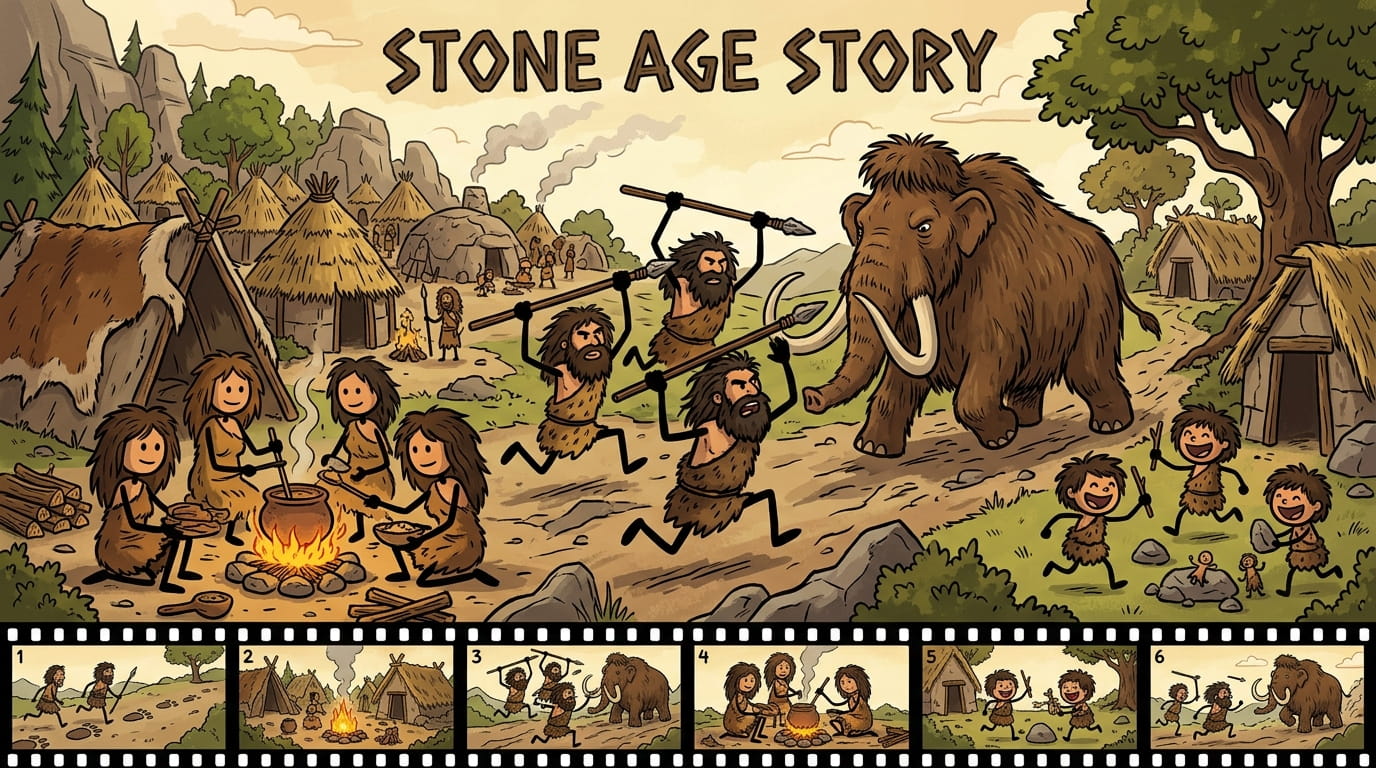
Start the skill. Type something like "Stone Age stickman video", "Vidraft", or "make Stone Age image prompts". Claude opens with three questions: custom scene, own script, or generate a script. Choose your path. Generate a script: pick 1 for Topic Research or 2 for Custom Topic. Your own script: answer "yes", then paste your script. Custom scene: answer "yes", then describe one scene, such as "four men hunting together". Topic Research (option 1). Claude researches the web and gives you 15 viral topic ideas, plus extra sections like mind-trigger questions and content clusters. Pick a topic by number or title. If you want more ideas, type More and you get 15 new ones. Pick the video length. Choose a reel (1-2 minutes, 200 words) or a long video (6-10 minutes, 2 parts of 800 words). For long videos, type go after Part 1 to get Part 2. Generate image prompts. When Claude asks "Should I now create scene-by-scene image prompts for you?", answer yes. You get one prompt per scene, labelled scene 1 (script line), scene 2 (script line), and so on. Every full stop makes a new scene. A comma makes a new scene only if five or more words come before it. Continue in batches. Long scripts come in batches of 30 scenes. Type yes when Claude asks "Should I continue with scene 31?", and repeat until the last scene. Use the prompts. Paste each prompt into your AI image generator, then animate the images and add your voiceover. Tips Turn on web search in Claude's settings, otherwise Topic Research cannot browse current trends. Beards are handled automatically: men get a thick beard, women get none, and mixed groups get "thick beard on the men only". To change a single scene, just say "make scene 12 darker" or "redo scene 5 with children playing".
Can't find what you need?
Explore our guides, tools and voiceover features to level up your video creation.
Browse Guides
Step-by-step tutorials on character consistency bibles, multi-shot pacing, and prompt engineering.
Use Voiceover
Generate high-quality multilingual narration or clone your own voice with studio 44.1 kHz WAV exports.
Explore Free Tools
Handy client-side video utilities: Bitrate Calculator, Silent Video Checker, and Frame Extractor.