
How to create 3D Explainer Videos Like Zack D Films
Here is the complete guide of how you can easily create videos like Zack D Films by using AI tools. Everyone think its much more difficult but it’s not. you can create the complete video by just 1 click and with just one file.
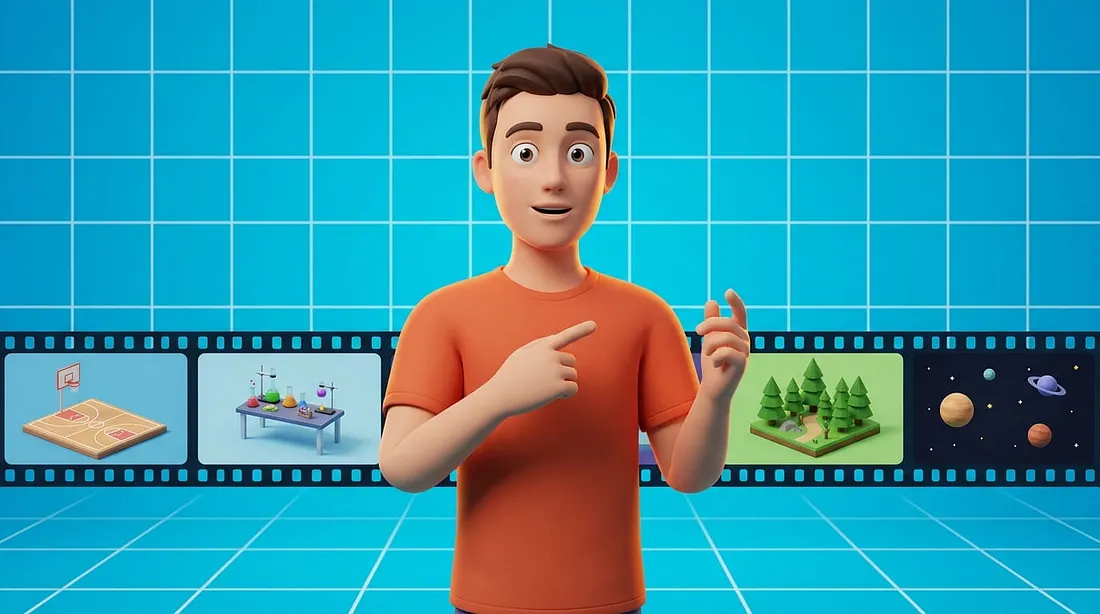
The complete guide of how you can easily create videos like Zack D Films by using AI tools. Everyone think its much more difficult but it’s not. you can create the complete video by just 1 click and with just one file.
So here’s the steps to create 3D explainer videos like Zack D Films
For that you need to go to a website called Vidraft. You can also search for “Vidraft AI Video Prompt Engine” and you got the website in the first result. or you can directly access from here: Vidraft AI Skills.
When you go there you can find the page named Skills there you will find a skill of Zack D Films Video Engine.Just open it up and there you find skill download section in the mid of the page like that.
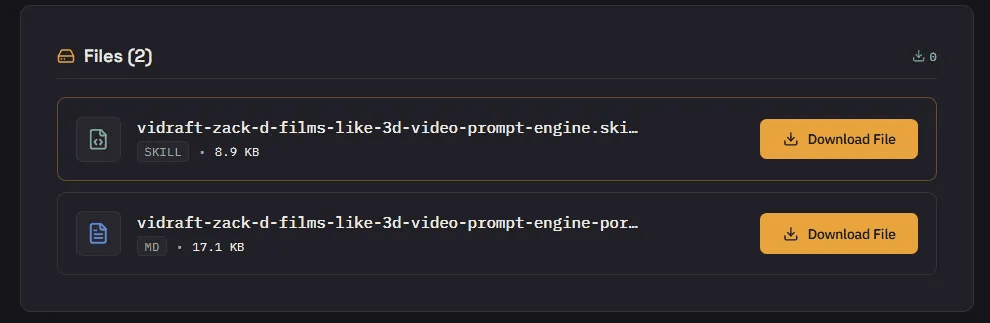
From here just click on Download and your file will be start download. If you are using Anthropic’s Claude AI you need to download the SKILL file. I
If you are using Chatgpt, Gemini or DeepSeek, then you need to download MD file. If you are using these AI Chatbots then follow method 1 otherwise for SKILL follow method 2.
So here are these 2 methods to create that video.
Method 1 (Chatgpt, Gemini, DeepSeek)
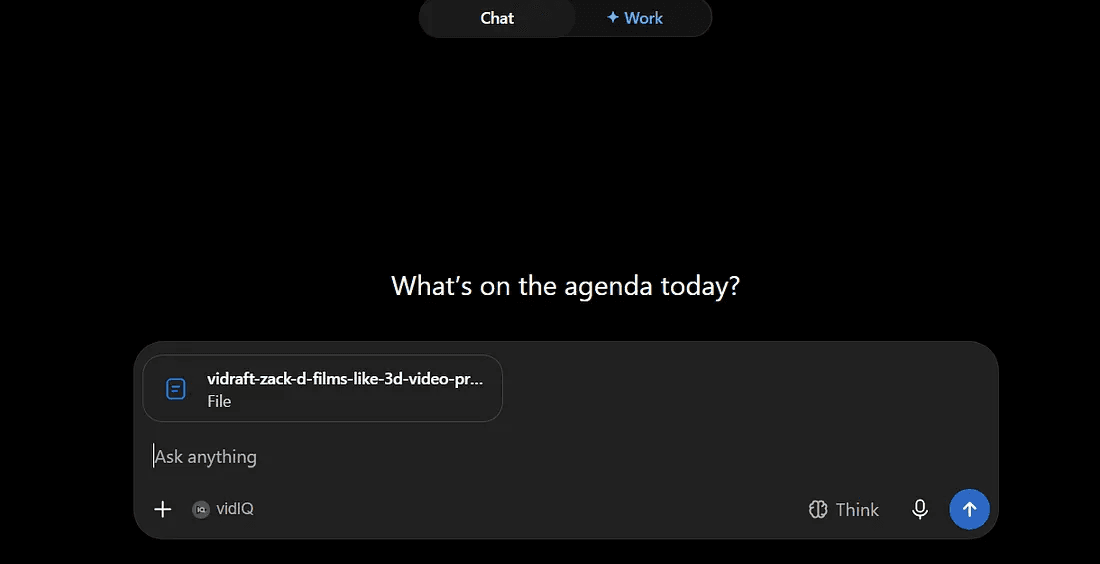
Just import the downloaded md file into the chatbot and press Enter. Once you hit enter.
2nd Method (Using Claude)
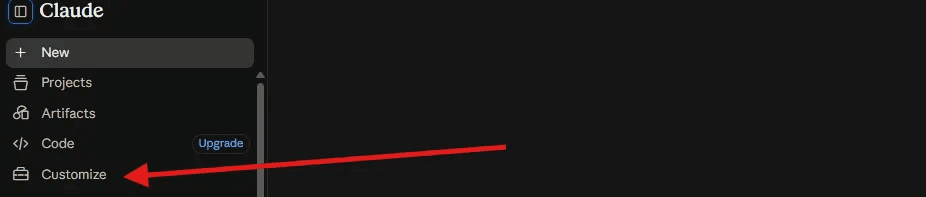
Open Claude AI and Go to Customize. Click on Add.
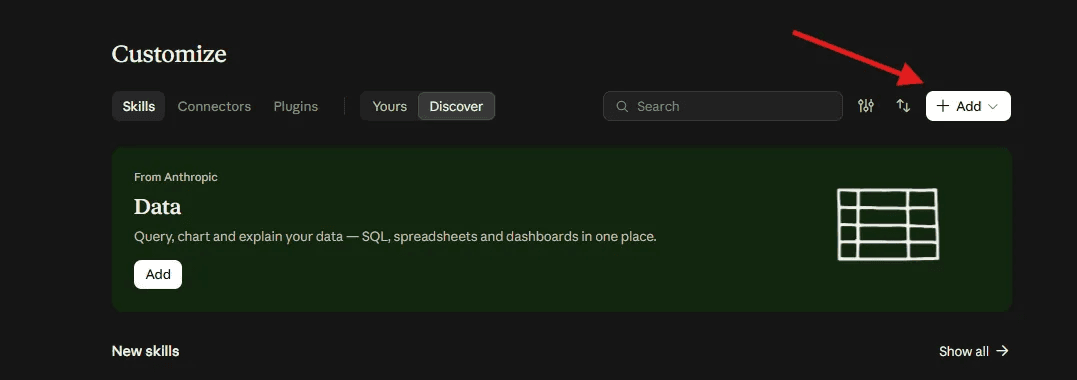
And add the skill you just downloaded from the website.
Add Skill and Click Upload, Once the skill added now open a new chat in claude.
As you write “/” in the text box this menu will appear, just select the Skill you just added and press enter. then Follow the steps below. They are same for both methods.
He will ask you these questions.
- Do you have any custom scene?
- Do you have your own script?
- Do you want me to generate a script for you?
Just select your desired option if you have any scene or script just give him otherwise select Generate A Script.
Here’s the script it generated for me.
Imagine your brain slowly shutting down while you're still awake.

No, you wouldn't suddenly collapse.

You'd still be walking, talking, and answering people.

But inside your body, something much more dangerous would be happening.

When you stop sleeping, your brain immediately starts losing one of its most important recovery periods. While you sleep, your brain processes memories, regulates emotions, and helps your body recover.

Miss one night, and you may feel tired, distracted, and unusually emotional. Your reaction time can slow down, making simple tasks harder and mistakes more likely.

But here's where it gets strange.

As sleep loss continues, your brain struggles even more to focus and make decisions. You may feel like you're functioning normally, while your performance is quietly getting worse.

And your body notices too.

Sleep helps regulate hormones involved in hunger, stress, and metabolism. When you don't get enough, you can feel hungrier and have a harder time controlling your appetite.

But the biggest problem isn't simply feeling exhausted.

Severe sleep deprivation can cause confusion, impaired judgment, and even brief involuntary episodes of sleep called microsleeps.

That's why driving while extremely sleepy can be dangerous.

Your body isn't being lazy when it demands sleep.

It's protecting your brain.

So the next time you think, "I'll just skip sleep tonight," remember this: sleep isn't time your body wastes.

It's time your body uses to keep you functioning.
Claude will ask you for the Topic. Just give him a topic like: “What Happens to Your Body When You Stop Sleeping?”
Chatgpt/claude will ask you for the length of video whether it’s a short video or full length long video select your desired time frame. It will generate the script for you. Once the script completed write “Next” it will ask you to continue to the 3D Video prompts.
Next, we can turn this script into scene-by-scene 3D video prompts following the uploaded workflow.

Should I now create scene-by-scene image prompts for you?
Write “Yes” in reply and it will start generating. As I entered a 2 minute video so it write me a 30 scene video prompts.
Here are some examples:
Smooth, semi-realistic 3D digital animation in the polished Zack D. Films-style 3D educational visual identity, with clean high-quality 3D character models, smooth geometry, detailed textures and realistic materials, bright studio lighting with soft shadows. A young adult male character with short dark hair, wearing a plain dark t-shirt, lies awake in bed with wide, tired eyes and an uneasy expression, staring upward while imagining that he can simply recover his sleep the next day. The bedroom is a clean minimalist 3D environment with subtle nighttime lighting and a simple bed, pillow, and blanket, with no unrelated objects. The camera uses a close three-quarter angle focused on his exhausted face and restless posture, with a gentle cinematic push-in. Soft cool ambient light contrasts with subtle warm highlights on his face, creating a quiet but uneasy atmosphere. Smooth, natural, believable 3D animation with realistic physics and clear interaction between characters, objects and the environment, consistent character appearance, clothing, proportions, colors, props and environment, polished 3D digital render that clearly looks like 3D animation, not a photograph and not live-action footage.
Smooth, semi-realistic 3D digital animation in the polished Zack D. Films-style 3D educational visual identity, with clean high-quality 3D character models, smooth geometry, detailed textures and realistic materials, bright studio lighting with soft shadows. The same young adult male character stands in a minimalist cyan-blue studio with a distinct white grid line pattern, looking confused and concerned as a clear visual representation of his body refusing to simply compensate for missed sleep. His shoulders are slightly lowered and his expression is serious and surprised, with subtle visual emphasis around his head and body suggesting internal strain without adding unrelated elements. The camera uses a medium frontal shot with a controlled push-in toward his face. Bright studio lighting creates clean highlights and soft shadows while keeping the educational composition clear. Smooth, natural, believable 3D animation with realistic physics and clear interaction between characters, objects and the environment, consistent character appearance, clothing, proportions, colors, props and environment, polished 3D digital render that clearly looks like 3D animation, not a photograph and not live-action footage.
and so on to the 30th scene.
When you got the prompts now it’s time to generate the video for free with Google Vids. Just go to Google Vids by clicking here.
How To Maintain Character Consistency
— Read More - Vidraft AI
How To Create Viral Stickman Documentary Videos For Free
Then select new and then “Create with AI” on the right side you will find the AI Generation section where you can just enter this prompt and generate your video here’s the example of a video I generated with the Google Vids and this Vidraft Prompt helper.
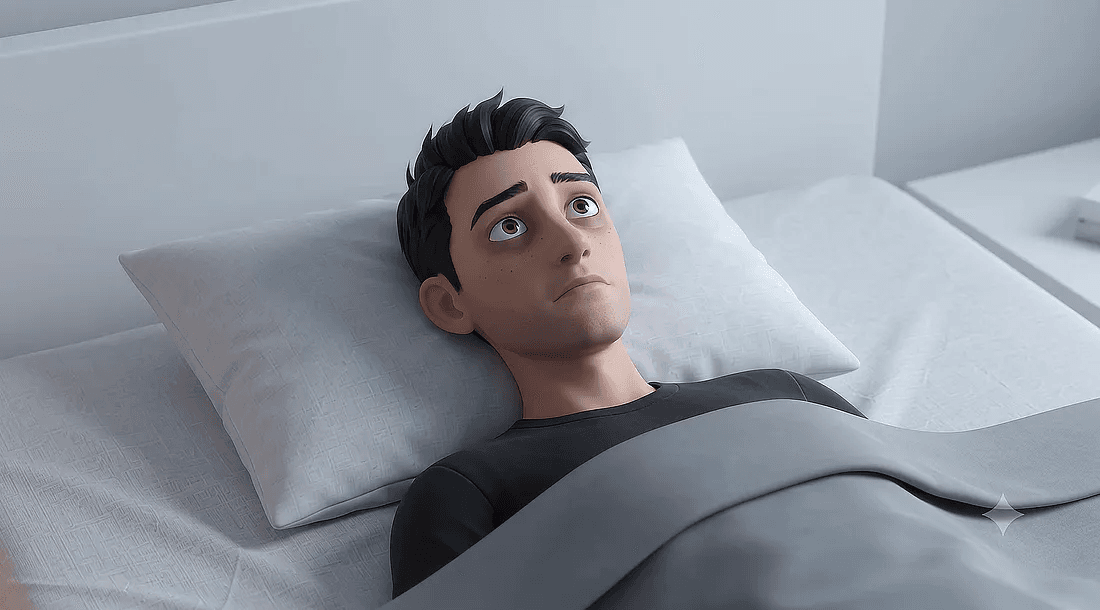
Just create every single video with the prompt and combine them all in your favorite video editing tool. You can do that editing part there in the Google Vids for free.